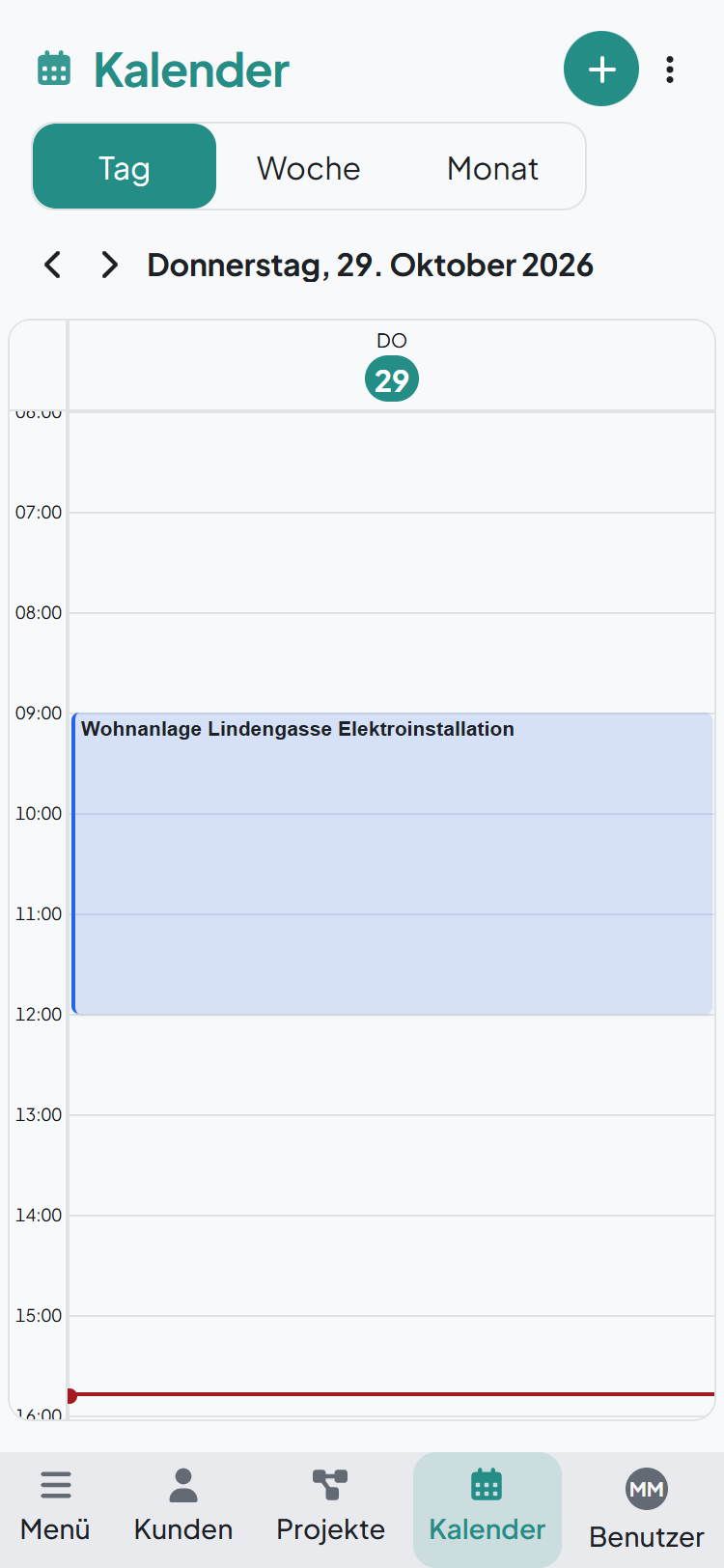
In the calendar you plan your appointments. All you need is a project or a title, plus the day and time. It doesn't get any easier.
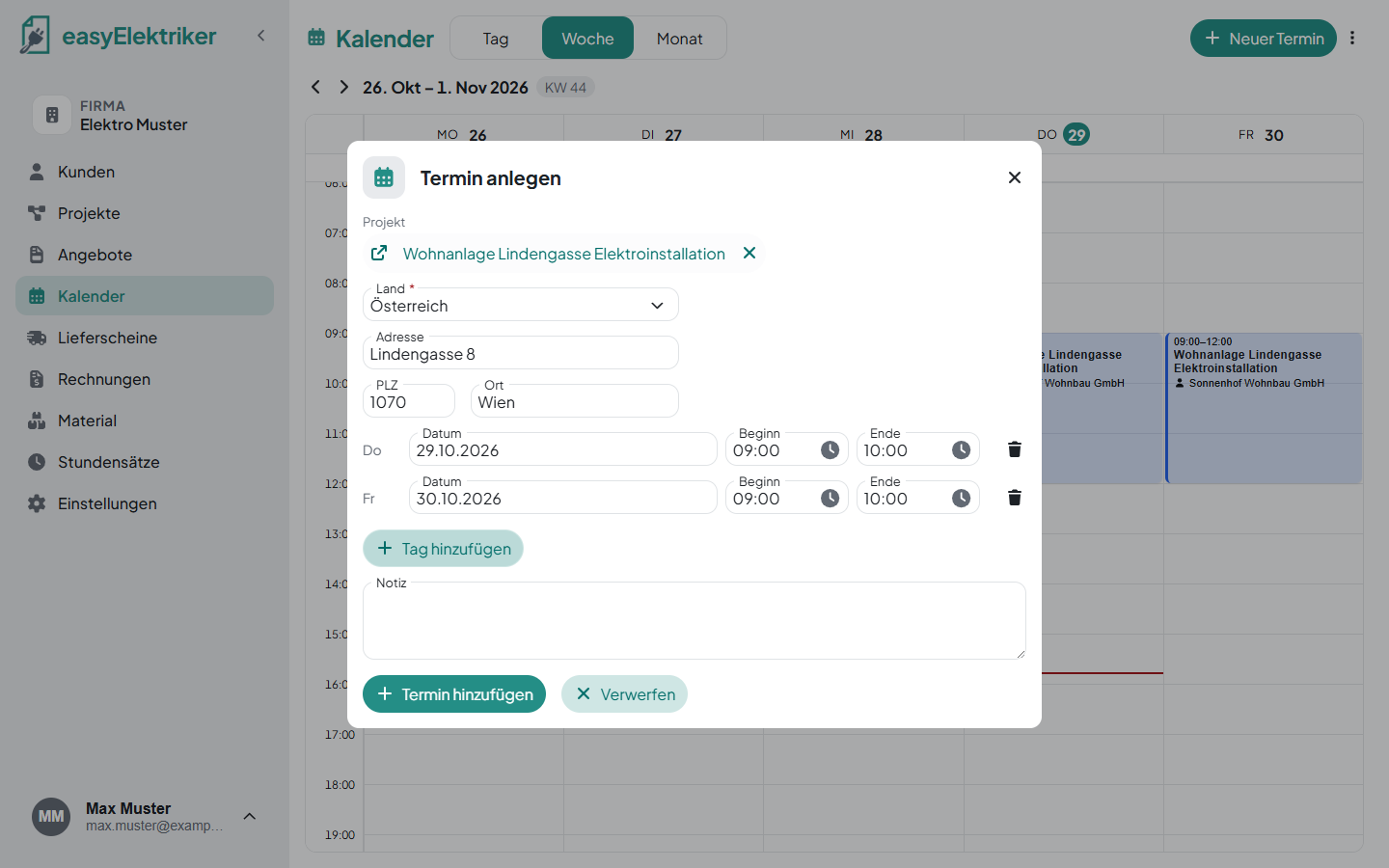
Open „Kalender“ in the menu on the left and click „Neuer Termin“.
Choose a project or enter a title, for example „Material beim Großhandel abholen“ (pick up material at the wholesaler).
Set the day, start and end.
Click „Termin hinzufügen“.
Simply handy: Click straight into the calendar or drag out the time with the mouse. The day and time are then already filled in.
If you choose a project, you don't need to enter anything else. The job site address is already there. What exactly you plan to do goes into the note. You also find the appointment in the project under „Kalender“.
If the work takes longer, click „Tag hinzufügen“ (add day). Example: the rough installation in the apartment building takes Thursday and Friday. You can enter the time separately for each day.
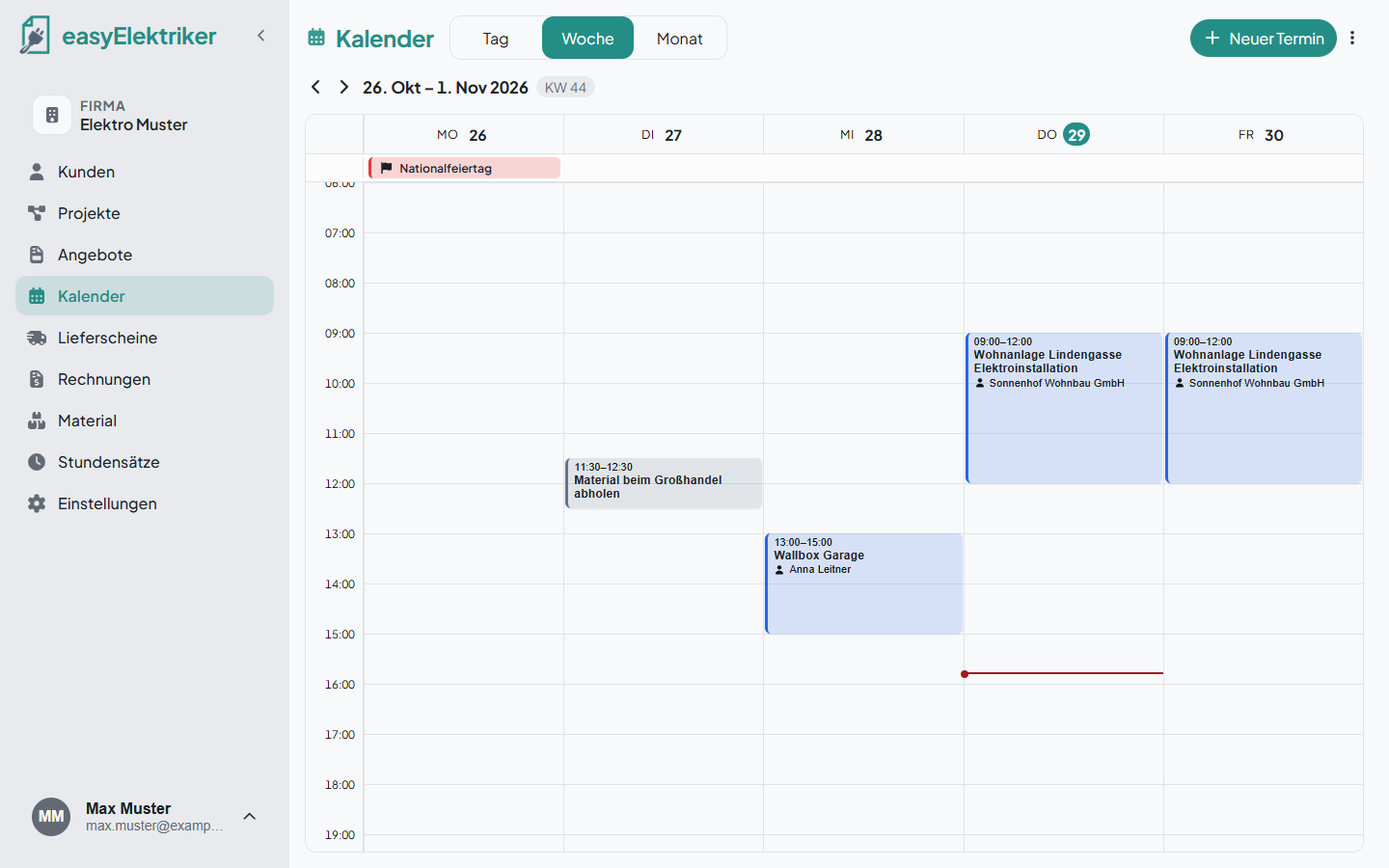
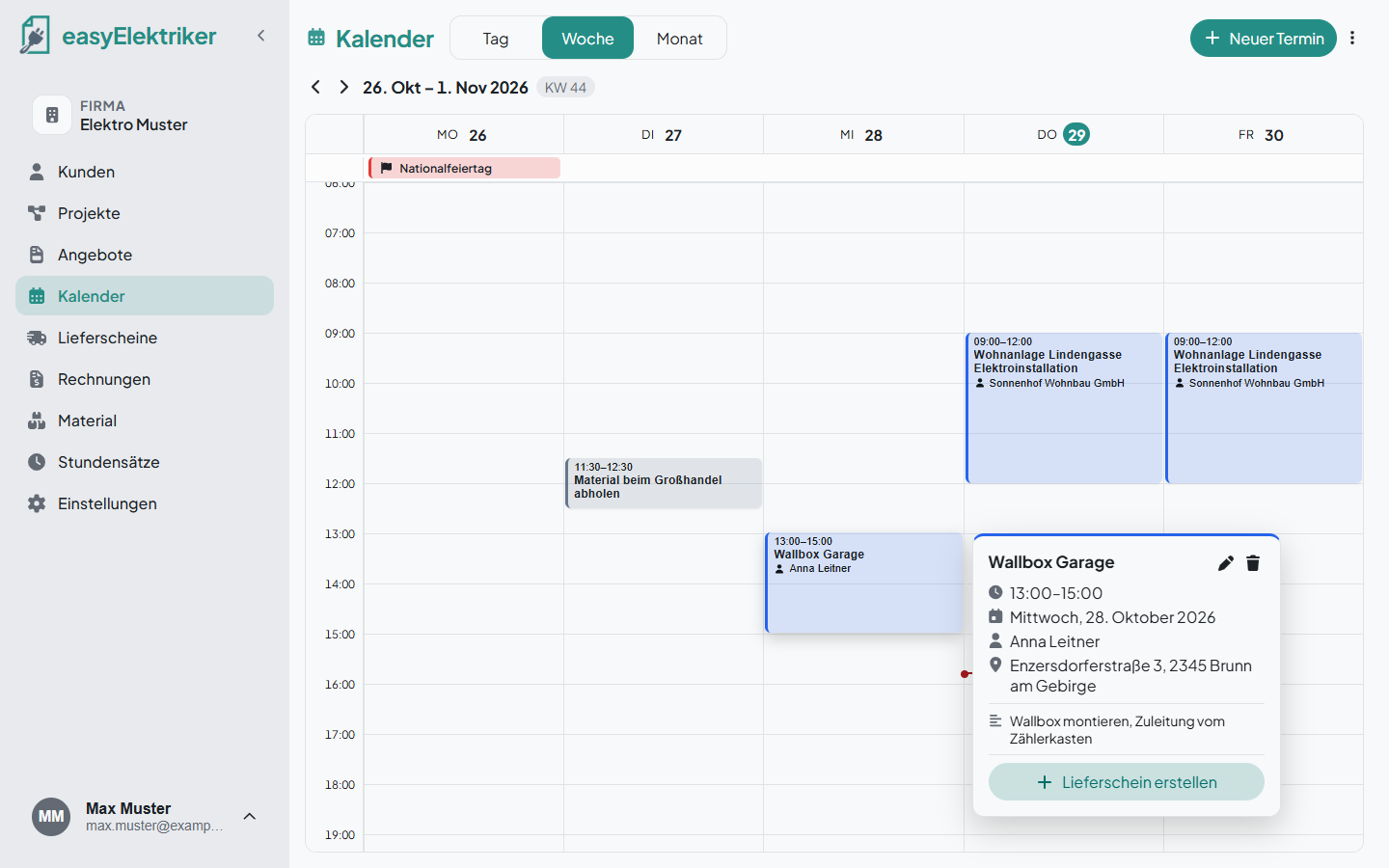
At the top you switch between Tag (day), Woche (week) and Monat (month). Appointments with a project show the customer right away. Public holidays appear at the top of the day.
If you also work on weekends, click the three dots at the top right, then „Kalendereinstellungen“ (calendar settings), and turn on „Wochenende anzeigen“ (show weekend).
Simple for small teams: Everyone sees all appointments.
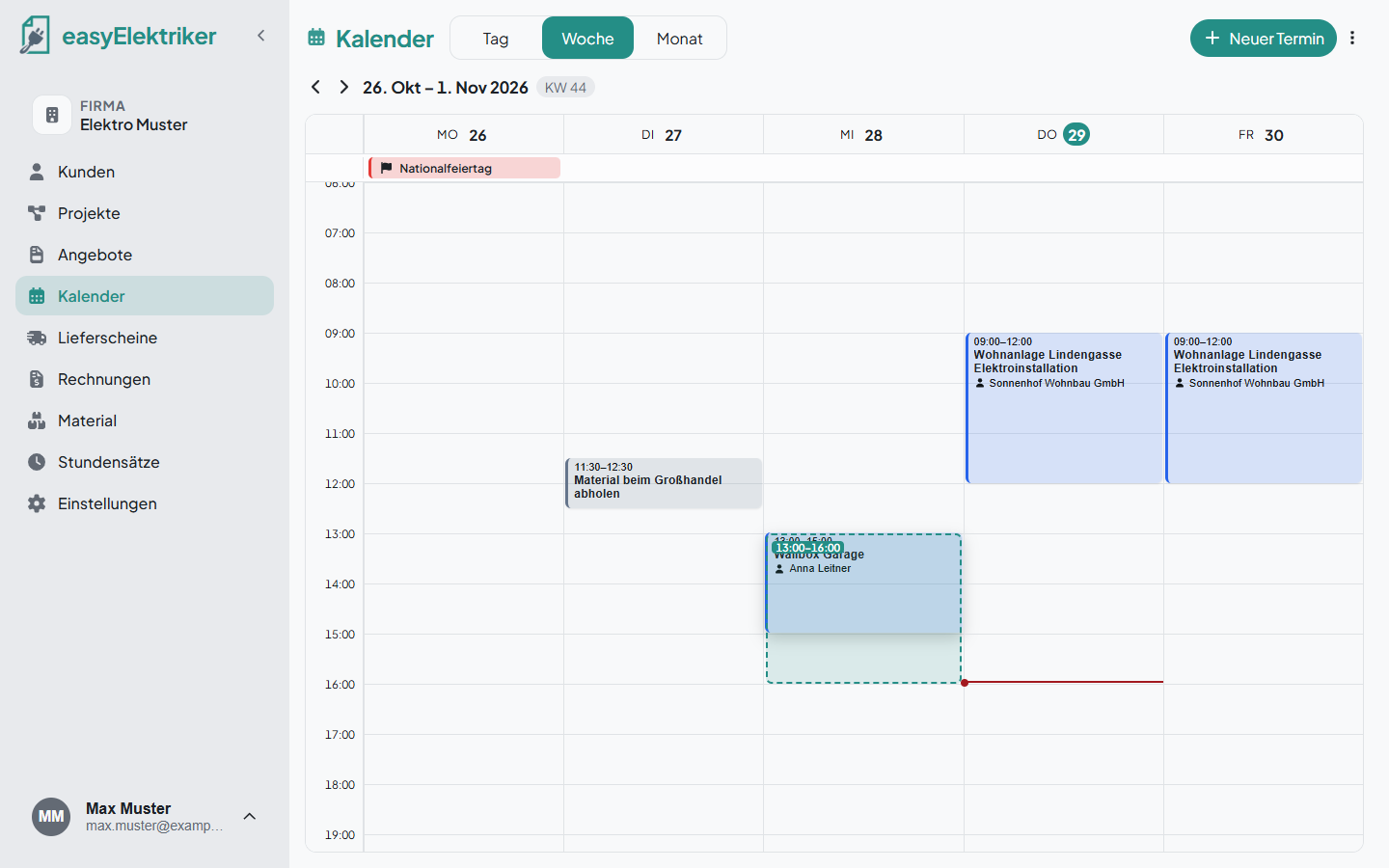
Move: Drag the appointment with the mouse to another day or time.
Longer or shorter: Grab the bottom edge of the appointment with the mouse and drag it down or up.
Edit: Click the appointment, then the small pencil.
Delete: Click the appointment, then the bin.
When you click an appointment, you see the time, customer, address and note. With „Lieferschein erstellen“ (create delivery note) you write the delivery note for the appointment right away. If the appointment has no project, you can choose one in the next step.
With our app you always have your appointments with you. On your phone you see your day right away. Tap an appointment and then the address, and Google Maps shows you the way to the job site. You create new appointments with the plus. Here too you can create the delivery note right away.