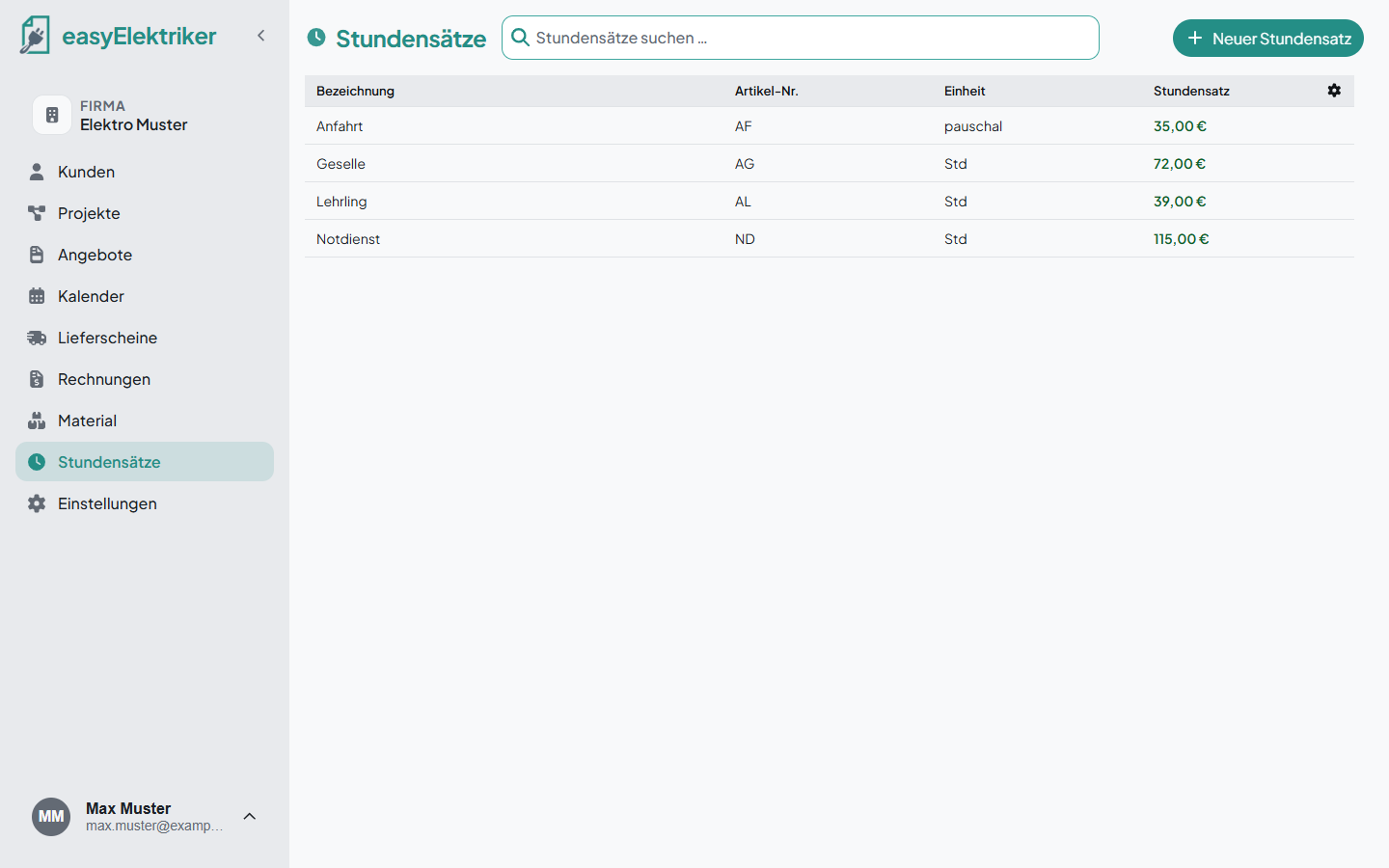
With labor rates you always bill your working time the same way. You set them up once and add them quickly to delivery notes, quotes and invoices.
Open „Stundensätze“ (labor rates) in the menu on the left and click „Neuer Stundensatz“ (new labor rate).
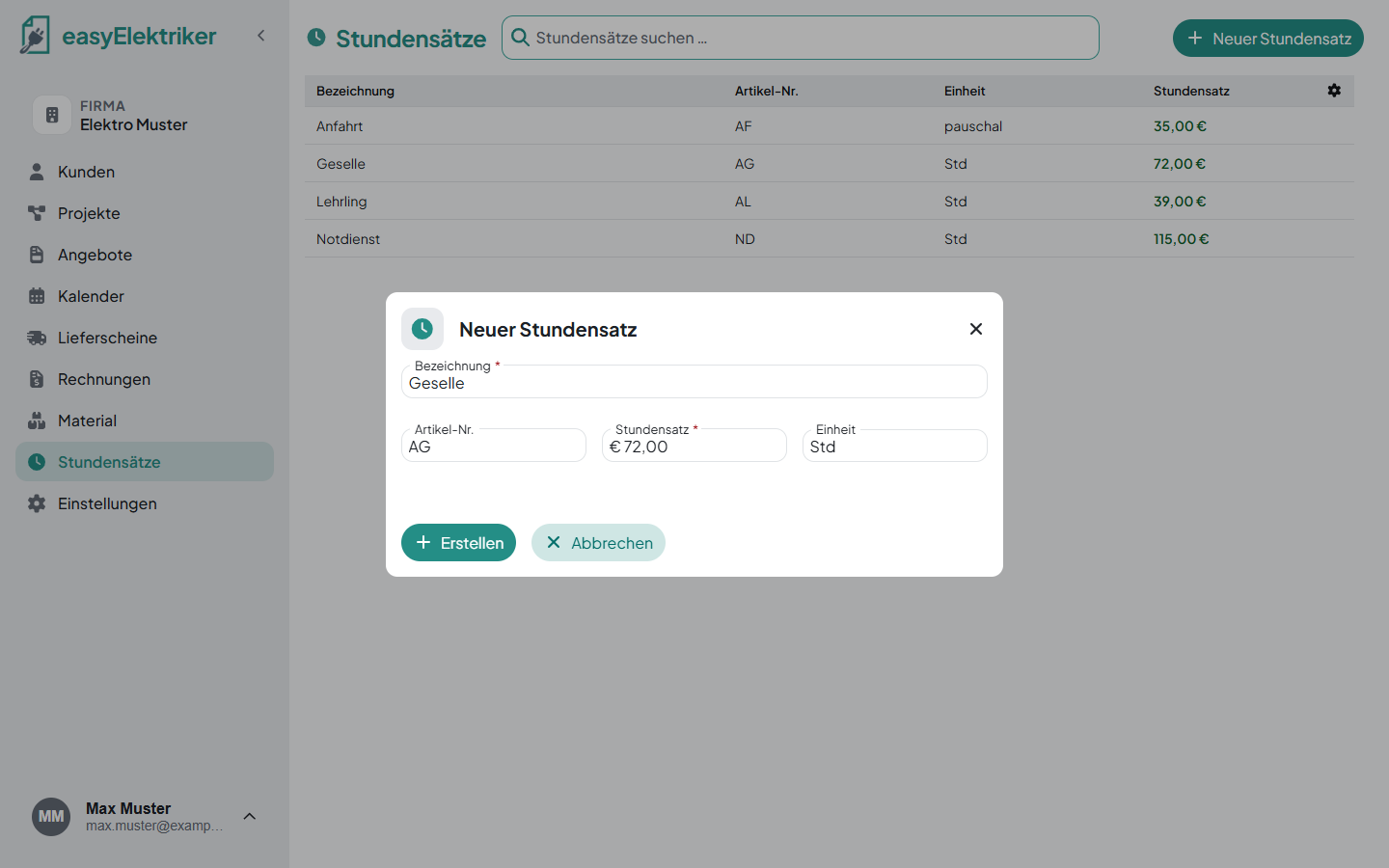
Enter a name and your net hourly rate and click „Erstellen“ (create).
Everything else is optional.
Create a separate labor rate for each kind of work, for example „Geselle“ (journeyman), „Lehrling“ (apprentice) and „Notdienst“ (emergency service). That way the invoice always shows the right price.
The unit is already set to „Std“ (hours). You can change it, for example for a travel charge you bill as a flat rate.
Simply added in no time: Give each labor rate a short code as its item number, for example AG for „Arbeitsstunde Geselle“ (journeyman hour) and AL for „Arbeitsstunde Lehrling“ (apprentice hour). On the delivery note you just type the code and pick the suggestion.
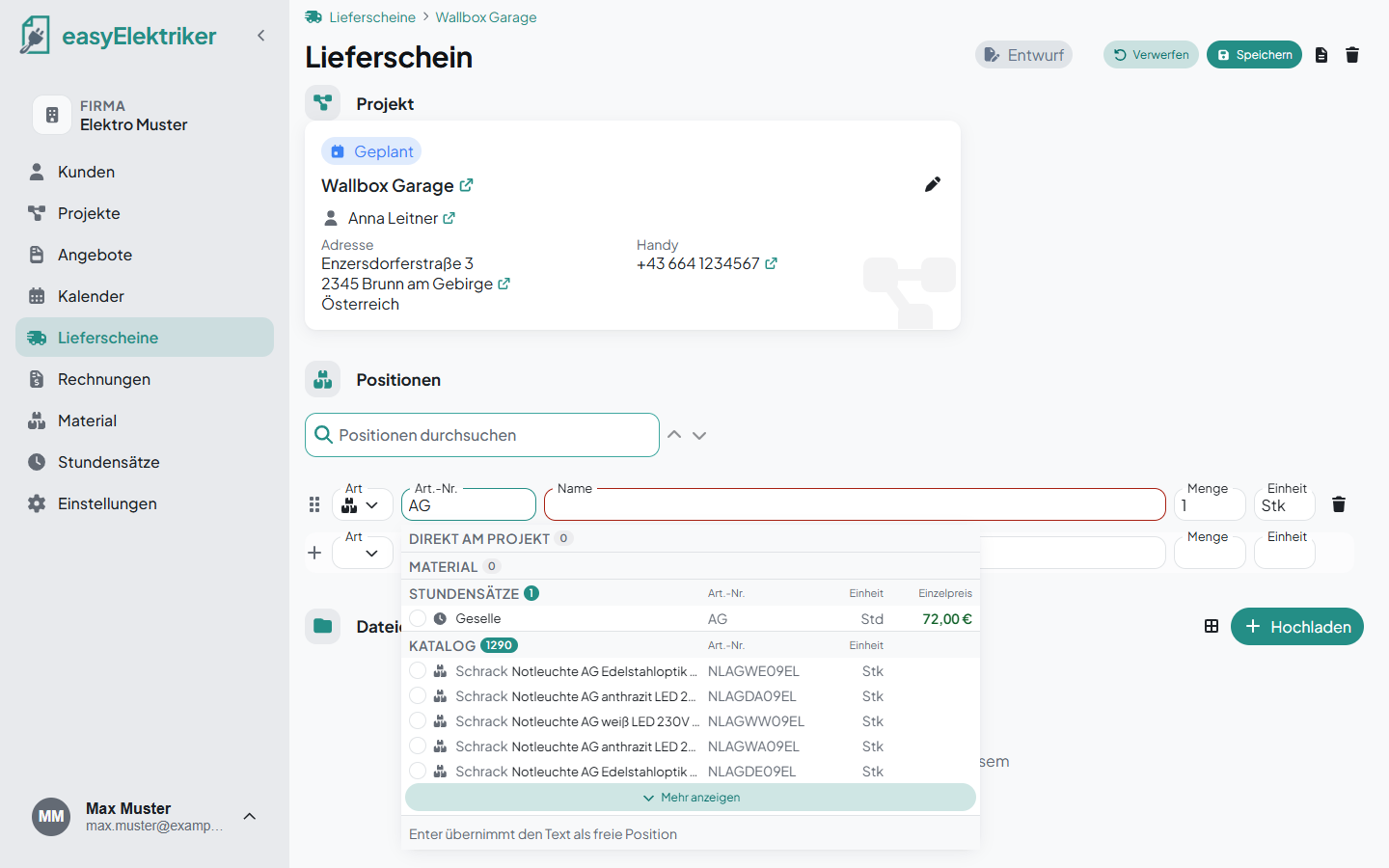
In the calendar you only plan the appointment. How long you worked goes on the delivery note: add the labor rate and enter the hours as the quantity. For example 4 hours journeyman and 4 hours apprentice.
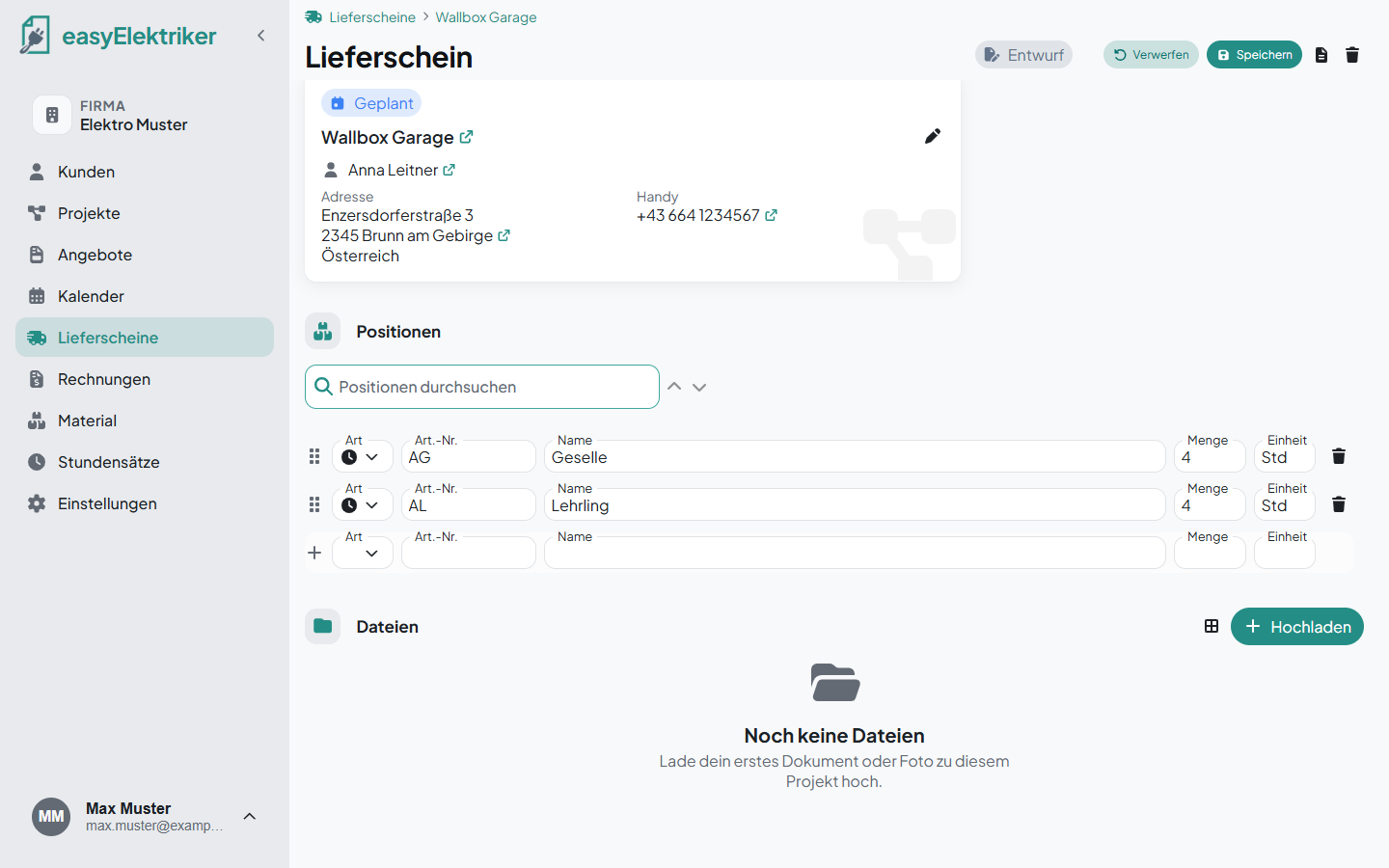
With our app you can also fill in the delivery note right at the job site.
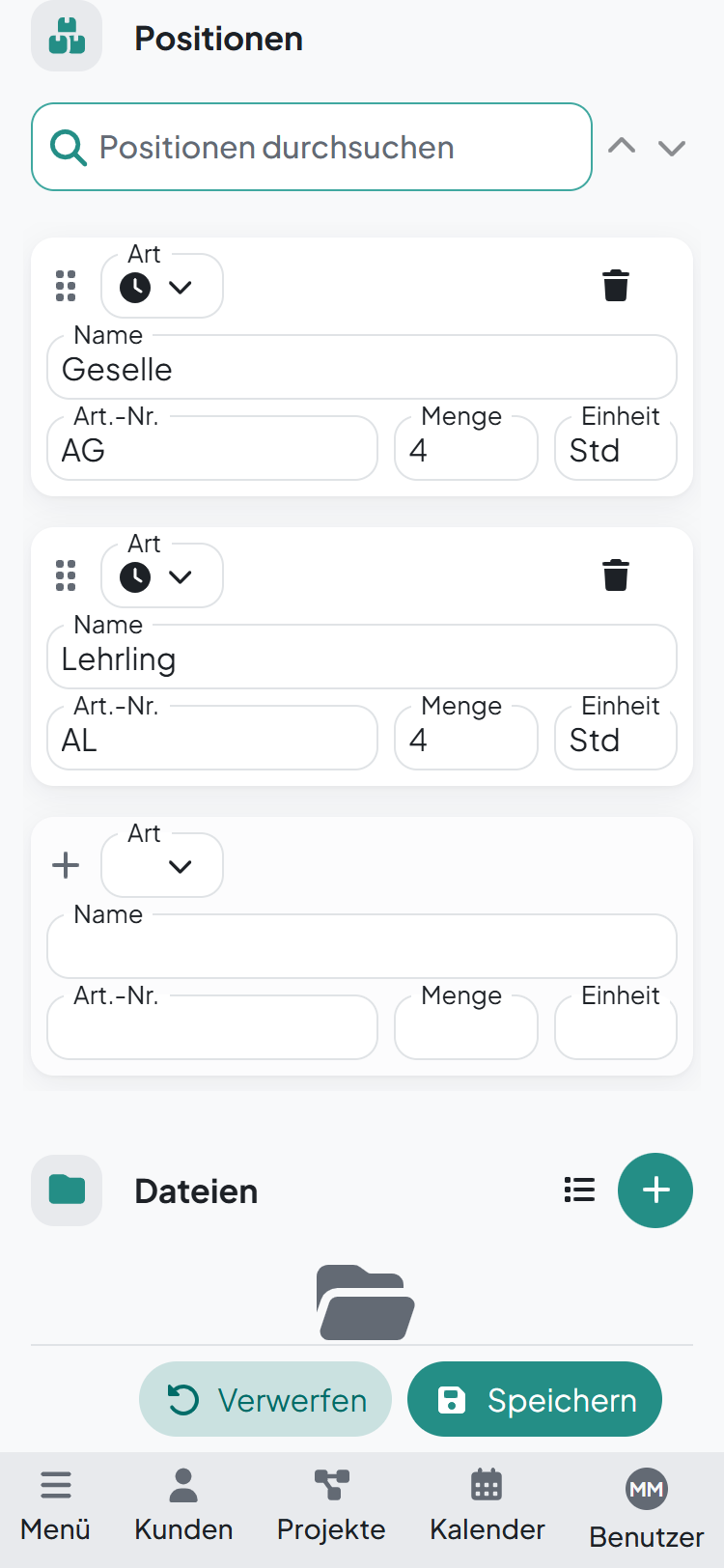
You add labor rates to quotes and invoices the same way.
Edit: Just click a row.
Delete: Click the small trash can in the row.
Search: Type into the „Stundensätze suchen …“ field at the top.