In the warehouse you see which material you still have. You record incoming goods under goods receipt. What goes onto a delivery note is deducted from the stock automatically when you complete it. Simply up to date, without counting in between.
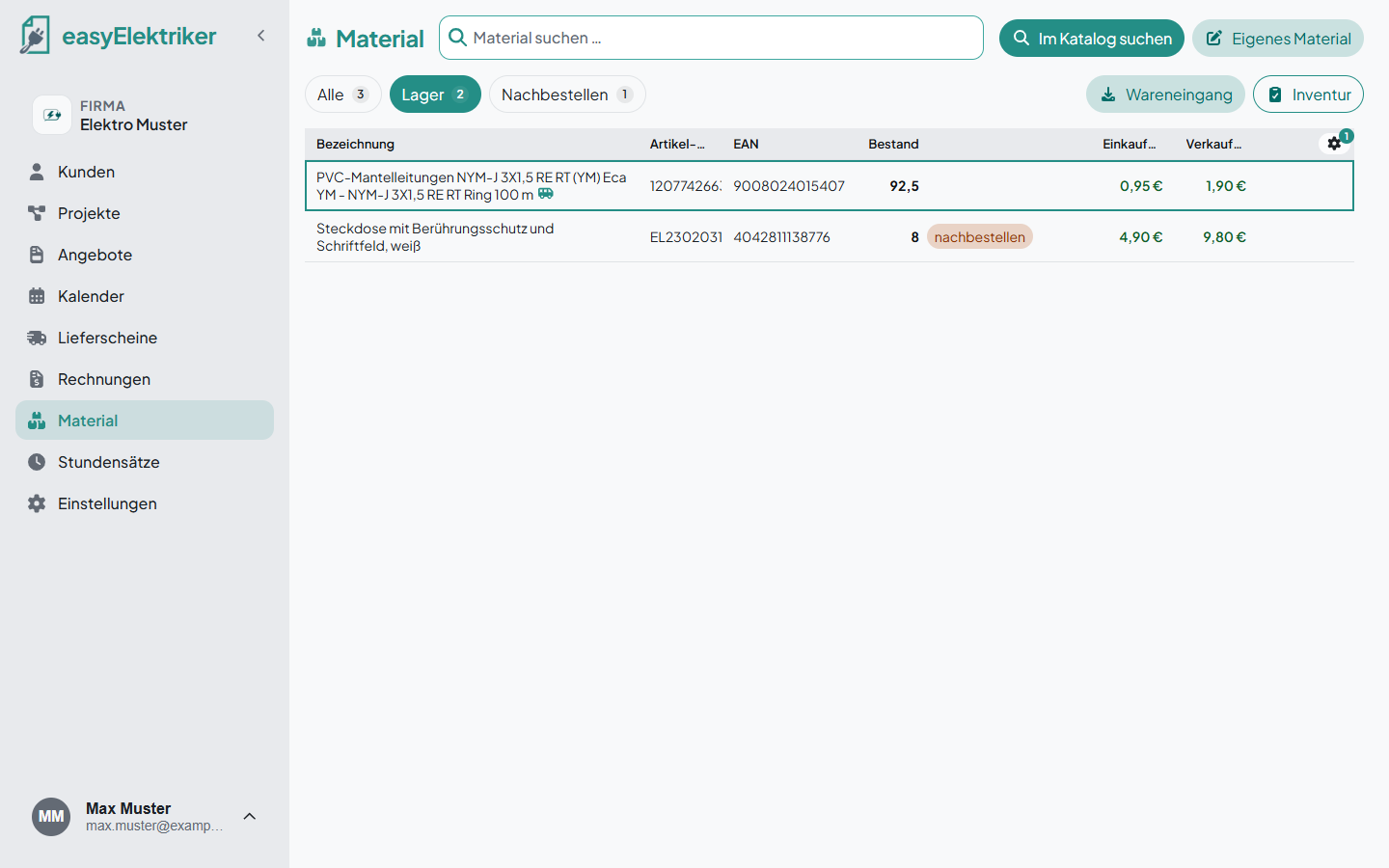
Open „Material“ (material) in the menu and click a row.
Switch on „Im Lager führen“ (keep in stock).
Enter the current stock and click „Speichern“ (save).
In the „Lager“ (warehouse) tab you then only see the material you keep in stock.
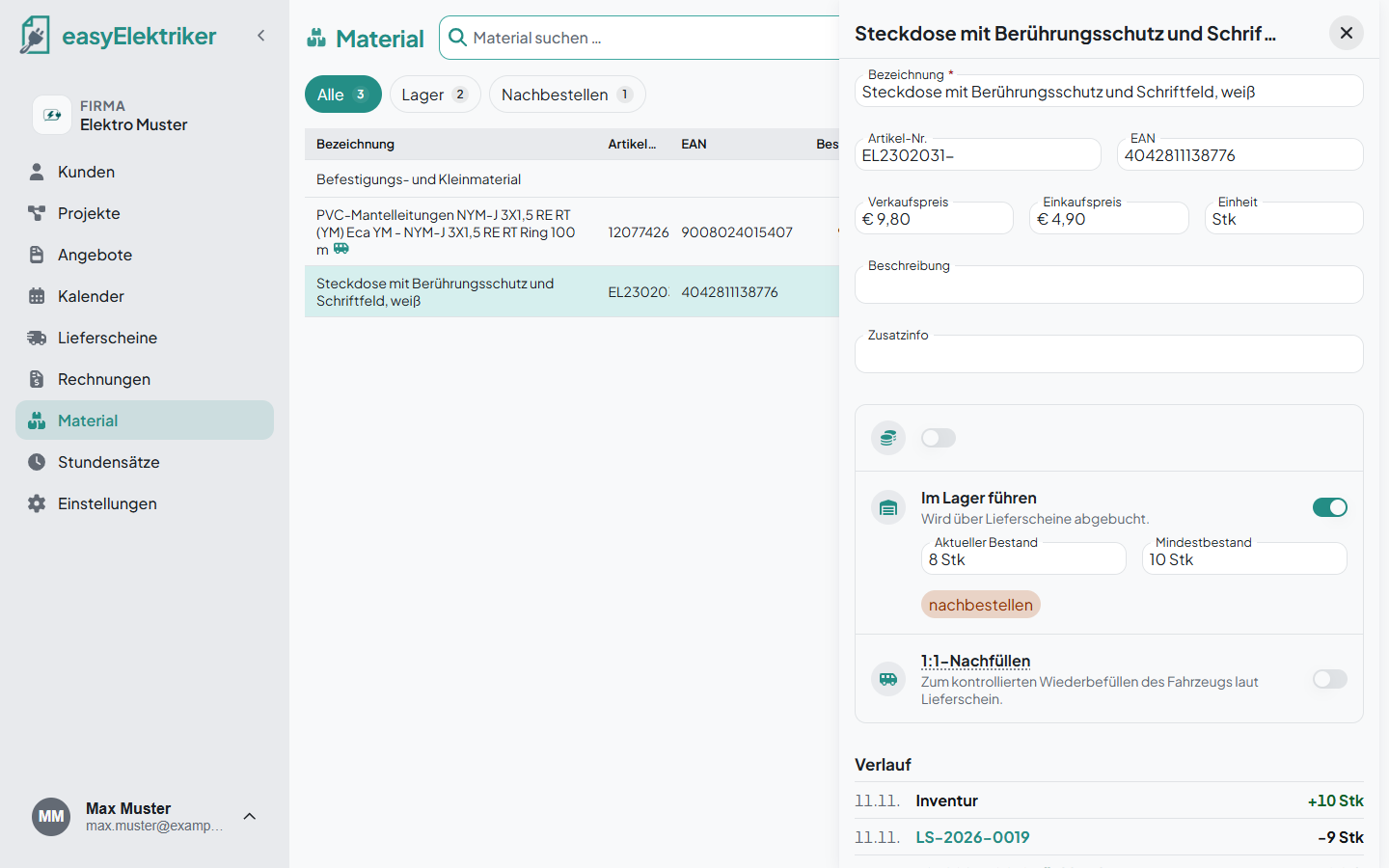
Simply handy: You can also correct the stock directly in the form at any time. The change then shows up in the history.
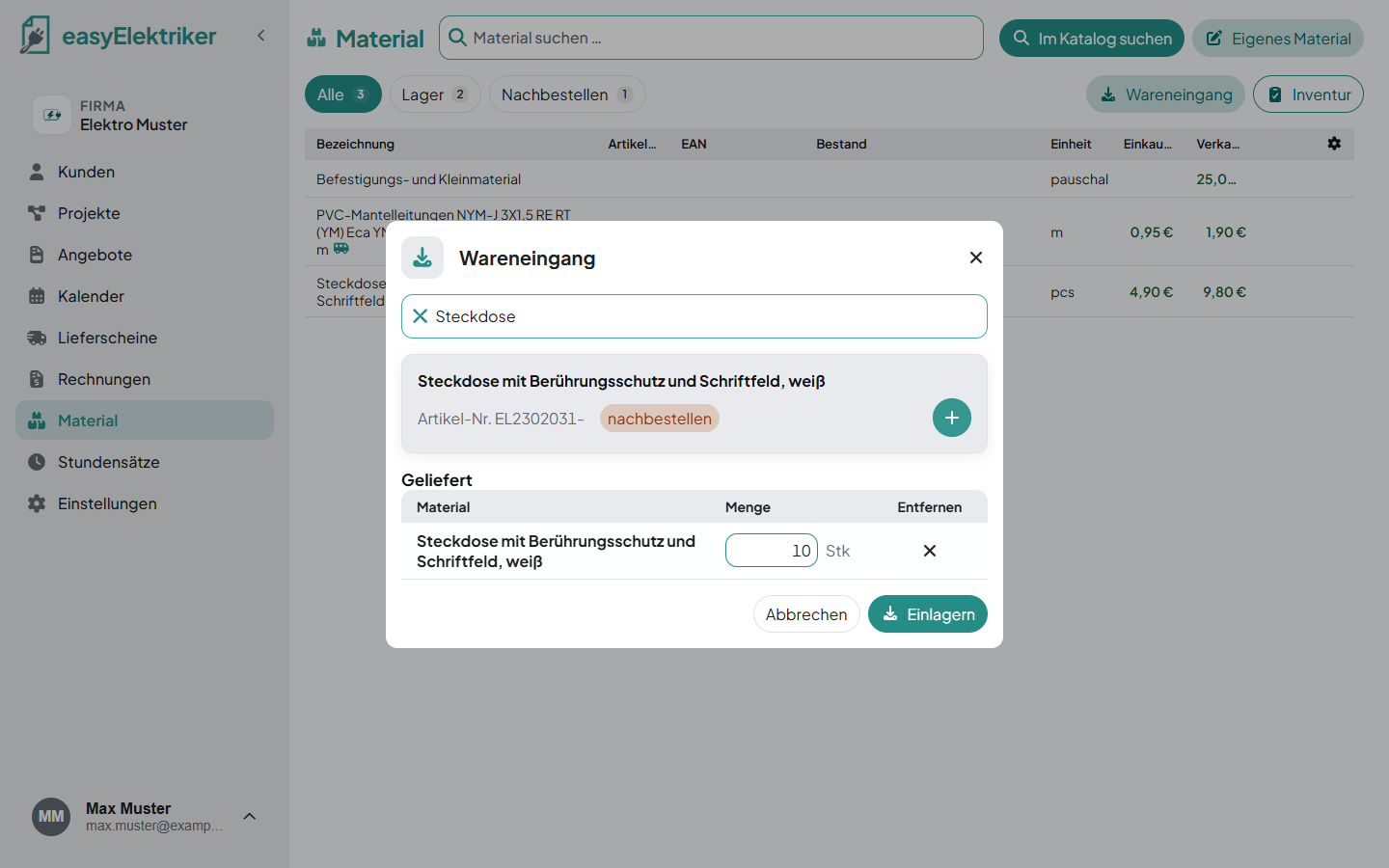
When goods arrive, click „Wareneingang“ (goods receipt) at the top right.
Type the material or EAN into the search field and click the „+“.
Enter the quantity, for example 10 Stk (pieces) or 2.5 m.
Click „Einlagern“ (store).
Not found? Click „Neu anlegen“ (create new). Then you create the material with its stock straight away.
Simply handy: You can put several materials into the „Geliefert“ (delivered) list and store them in one step.
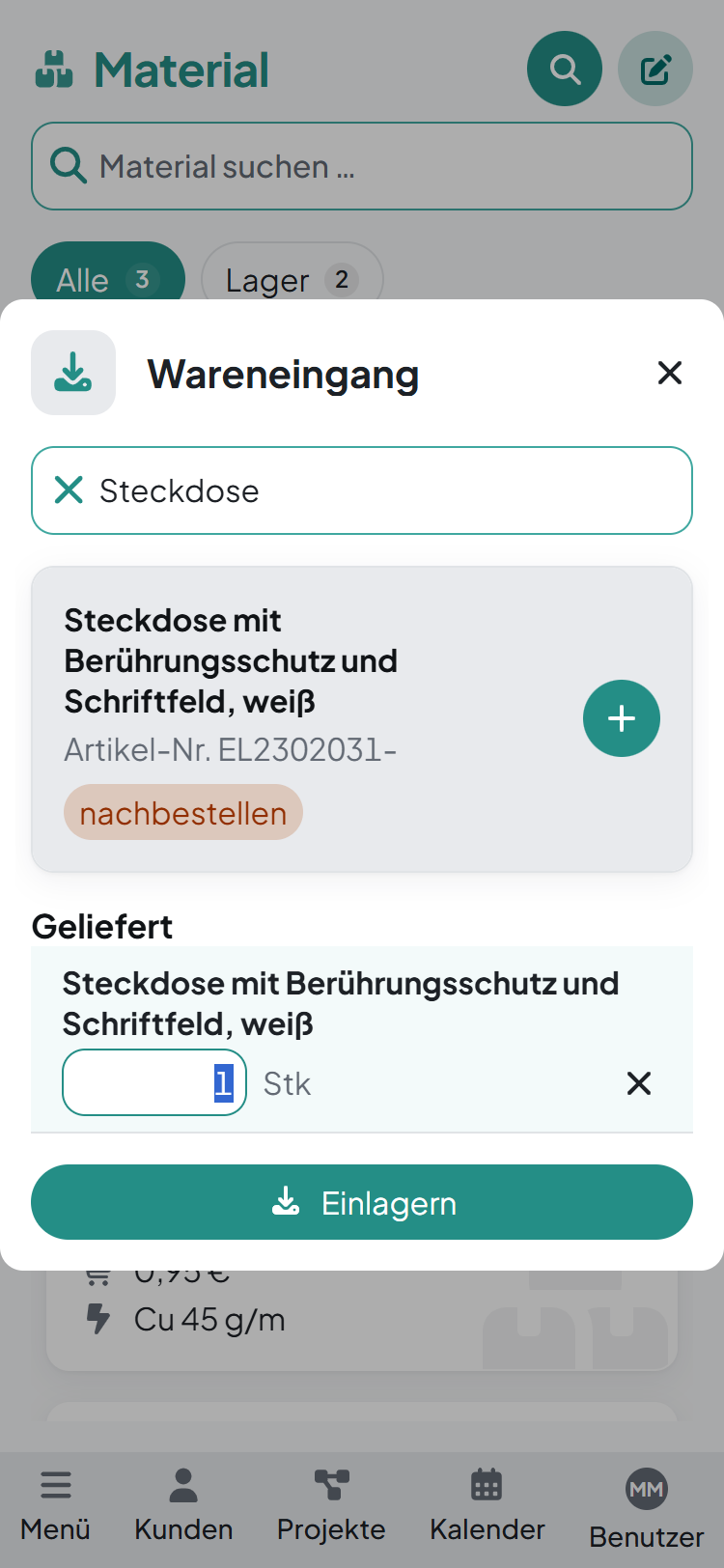
Goods receipt and stocktaking also work on your phone. You'll find the icons next to the tabs.
You don't need to deduct material from the stock on a delivery note separately. When you write it down, easyElektriker deducts it from the stock as soon as you complete the delivery note. Saving alone doesn't book anything yet.
In the „Verlauf“ (history) section of the material form, every movement is listed, for example „LS-2026-0019“ with the quantity. That way you see straight away which delivery note the material ended up on. With „Zurück zum Entwurf“ (back to draft) you open the delivery note again, and the stock is booked back.
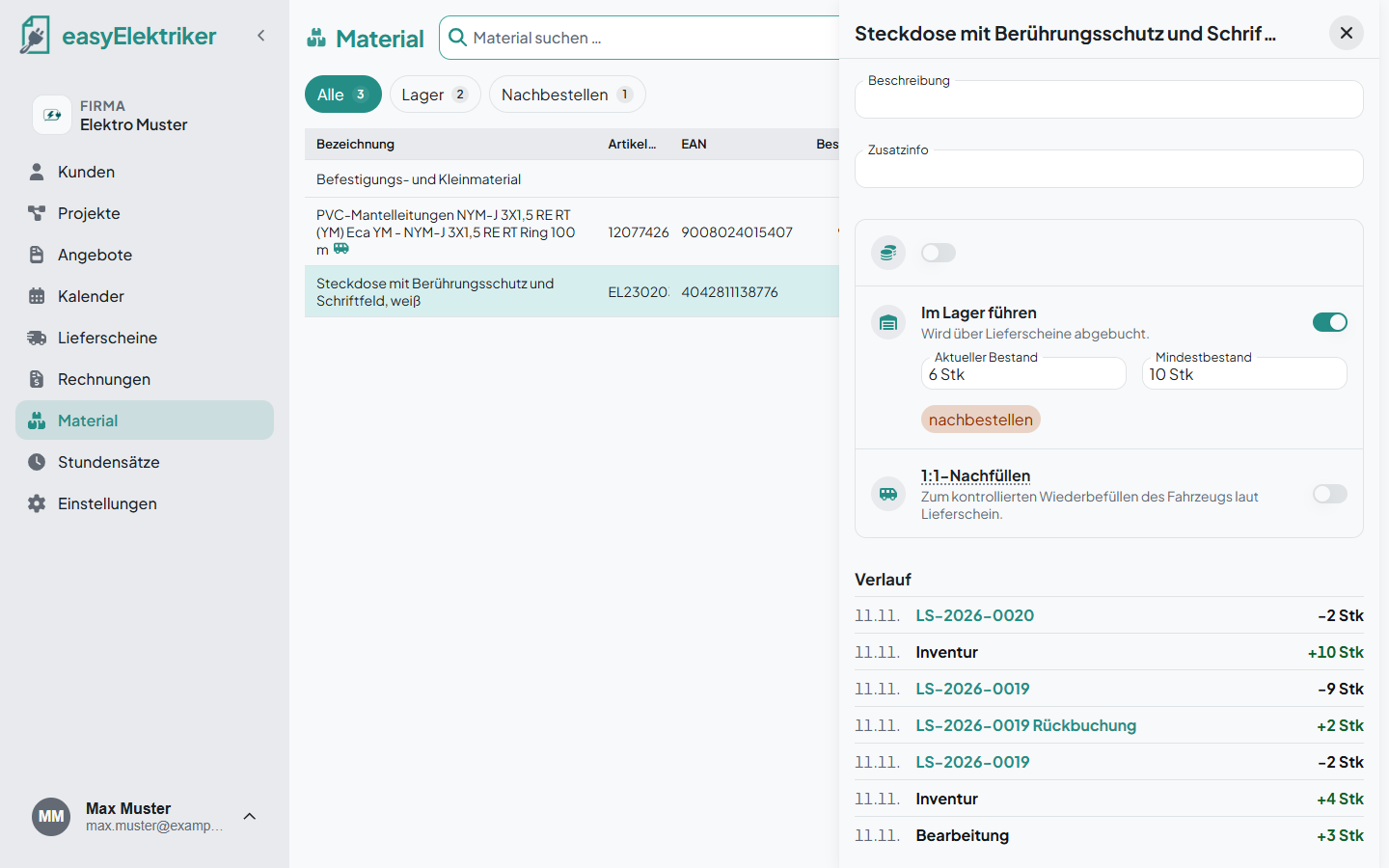
On the job site you simply write down what you installed. If the stock doesn't match afterwards, it may go negative.

Enter a minimum stock for a material, for example 10 Stk (pieces). When the stock falls below it, the material shows „nachbestellen“ (reorder). You'll find all affected items in the „Nachbestellen“ (reorder) tab.
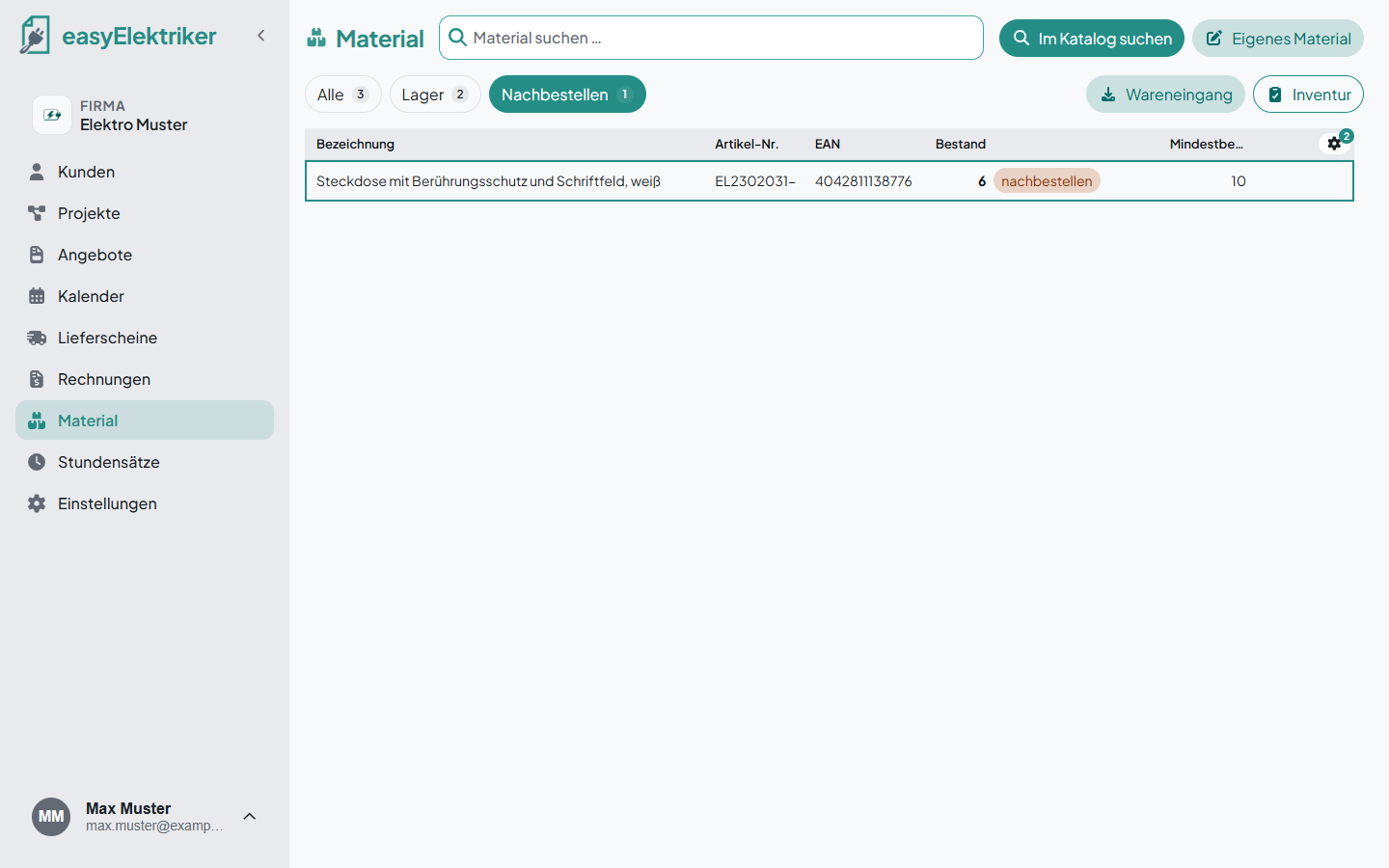
Simply never forget anything: The list shows you what to reorder before you need it on the job site.
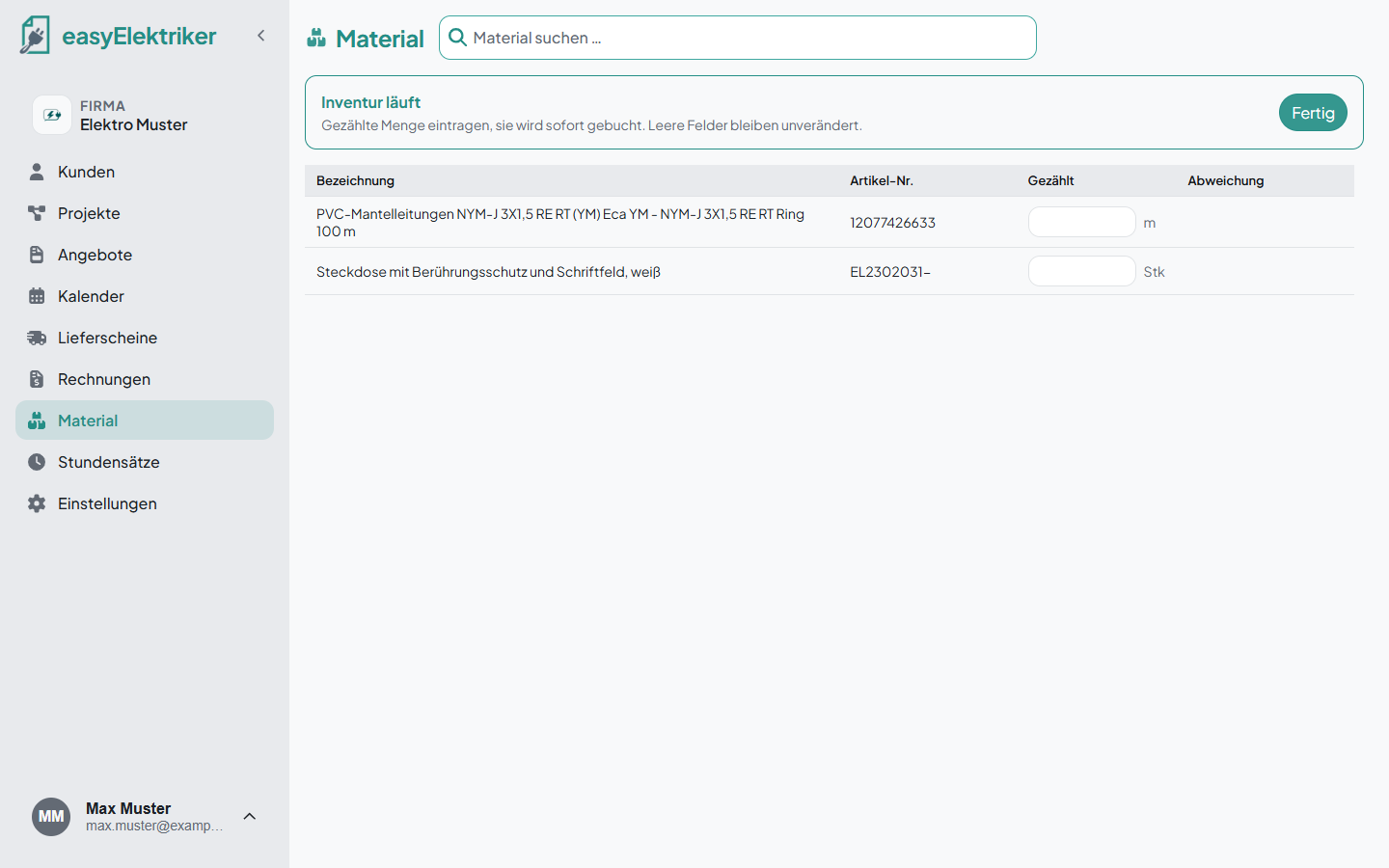
To count, click „Inventur“ (stocktaking) at the top right. Enter the counted quantity for each material. It is booked immediately, and empty fields stay unchanged. Click „Fertig“ (done) to finish.
While you count, the target stock is hidden. That way you really count and don't skip anything.
With 1:1 restocking you don't keep your own stock in the van. You set how much should be in the van, and in the evening you restock exactly what was used. That way you save yourself the bookings for the van.
Read how it works in our article Fahrzeuglager: 1:1-Nachfüllen statt Zählen (in German).