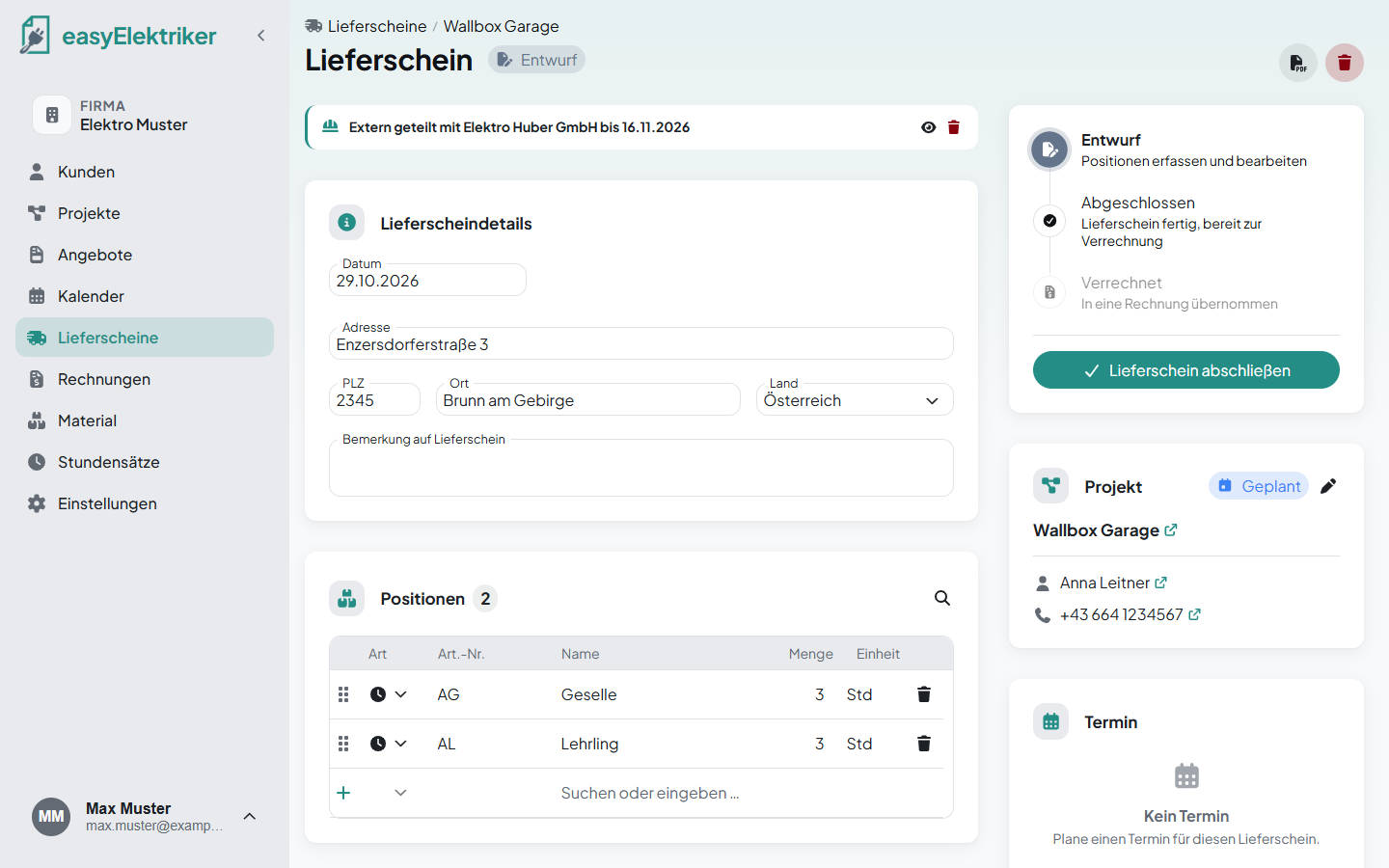
Bringing in a subcontractor for a project because they specialize in something or you are simply short on time? Then you can simply send them the delivery note as a link. They enter materials and working time themselves and complete it, without logging in and without software of their own. Faster and easier than paper.
Open the delivery note and click the small helmet „Extern teilen“ (share externally) at the top right.
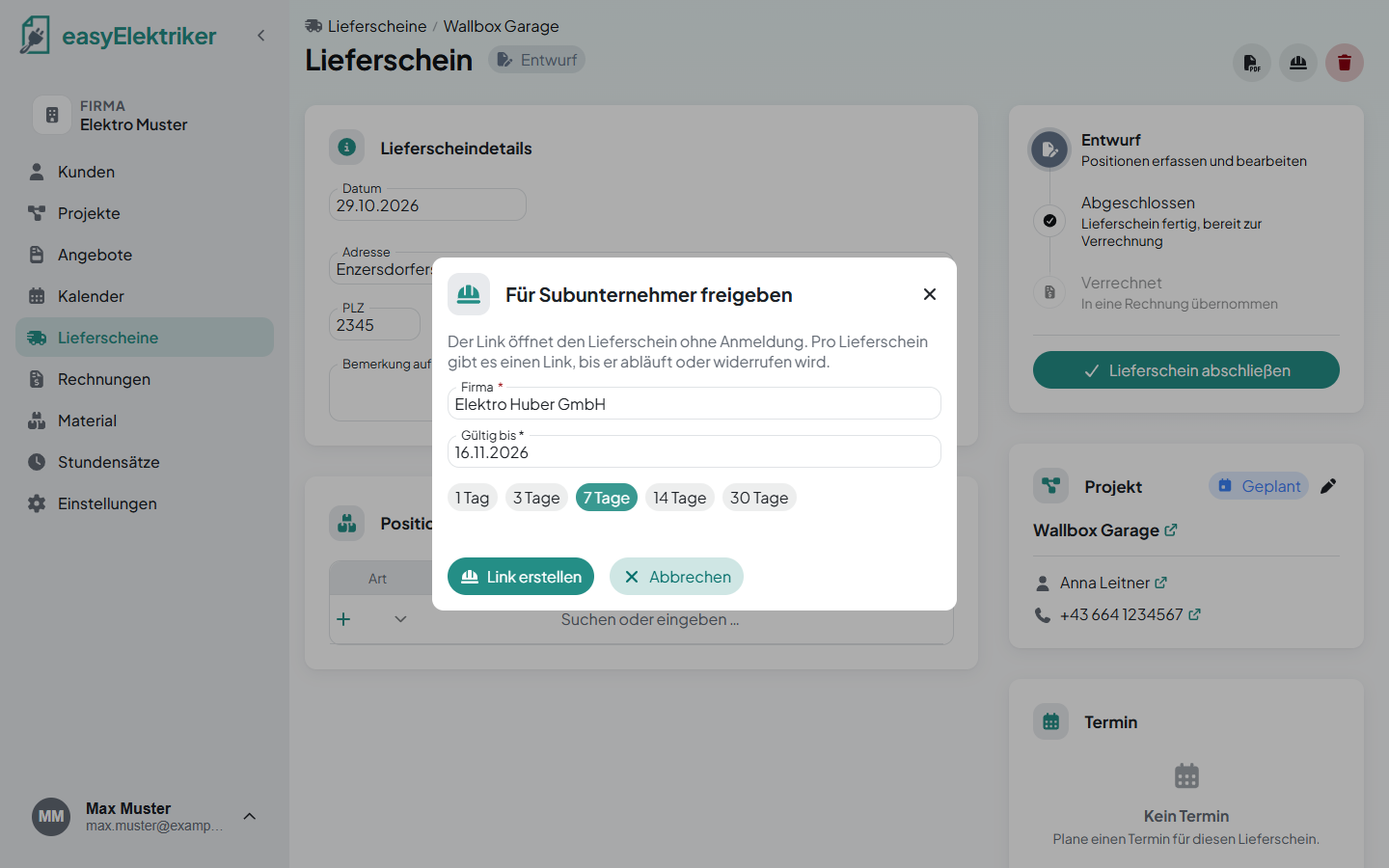
Enter your subcontractor's company and choose how long the link is valid.
Click „Link erstellen“ (create link).
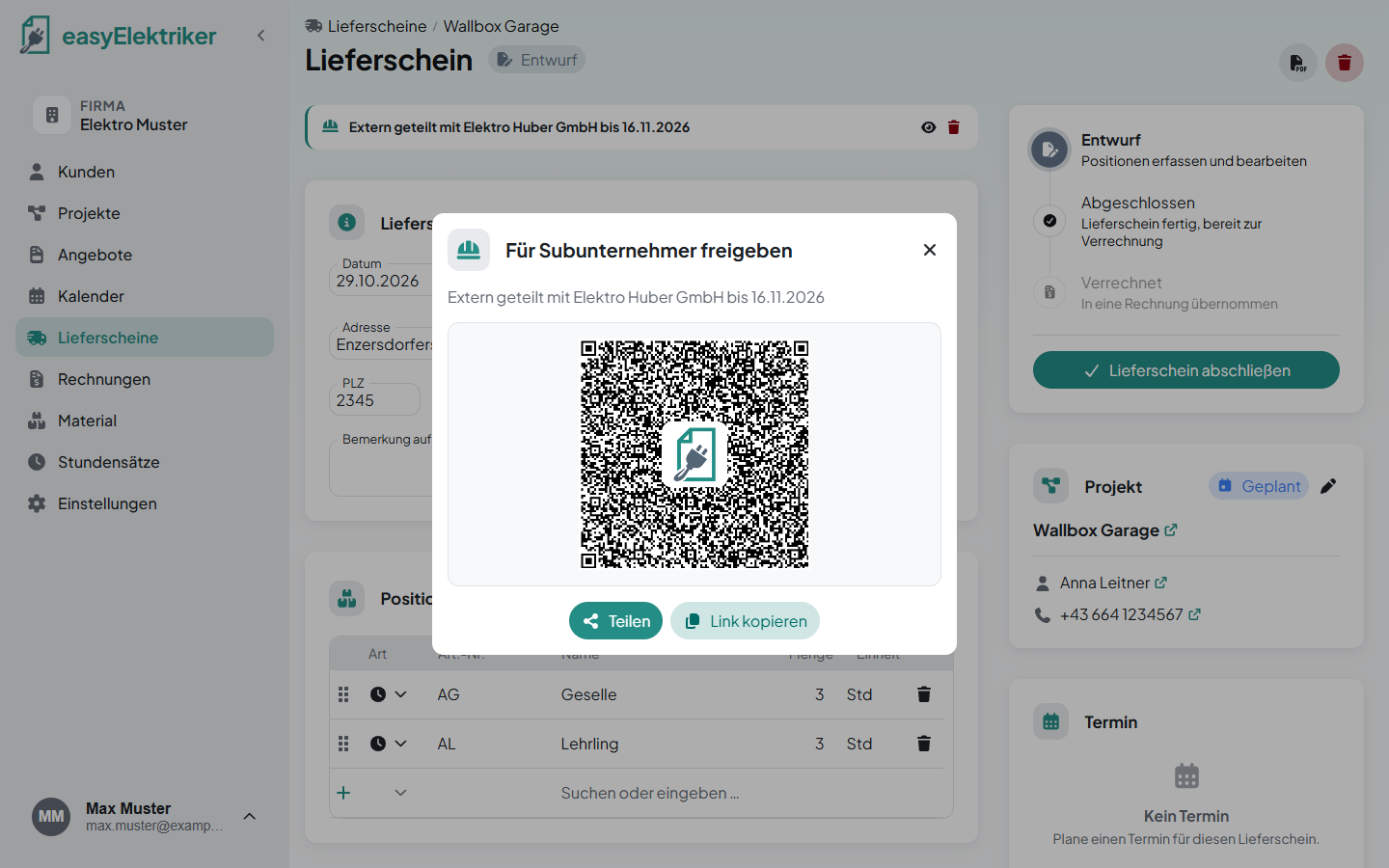
With „Teilen“ (share) or „Link kopieren“ (copy link) you send the link any way you like, for example via WhatsApp or email.
Simply on site: If you are on the job site together, your subcontractor just scans the QR code with their phone.
Your subcontractor sees the project and your customer. That way they know where to go and can call directly if they have questions. They enter materials and working time just like you do, with your labor rates and your materials. They can also upload photos.
Simply without prices: Your subcontractor only sees quantities, your prices stay with you.
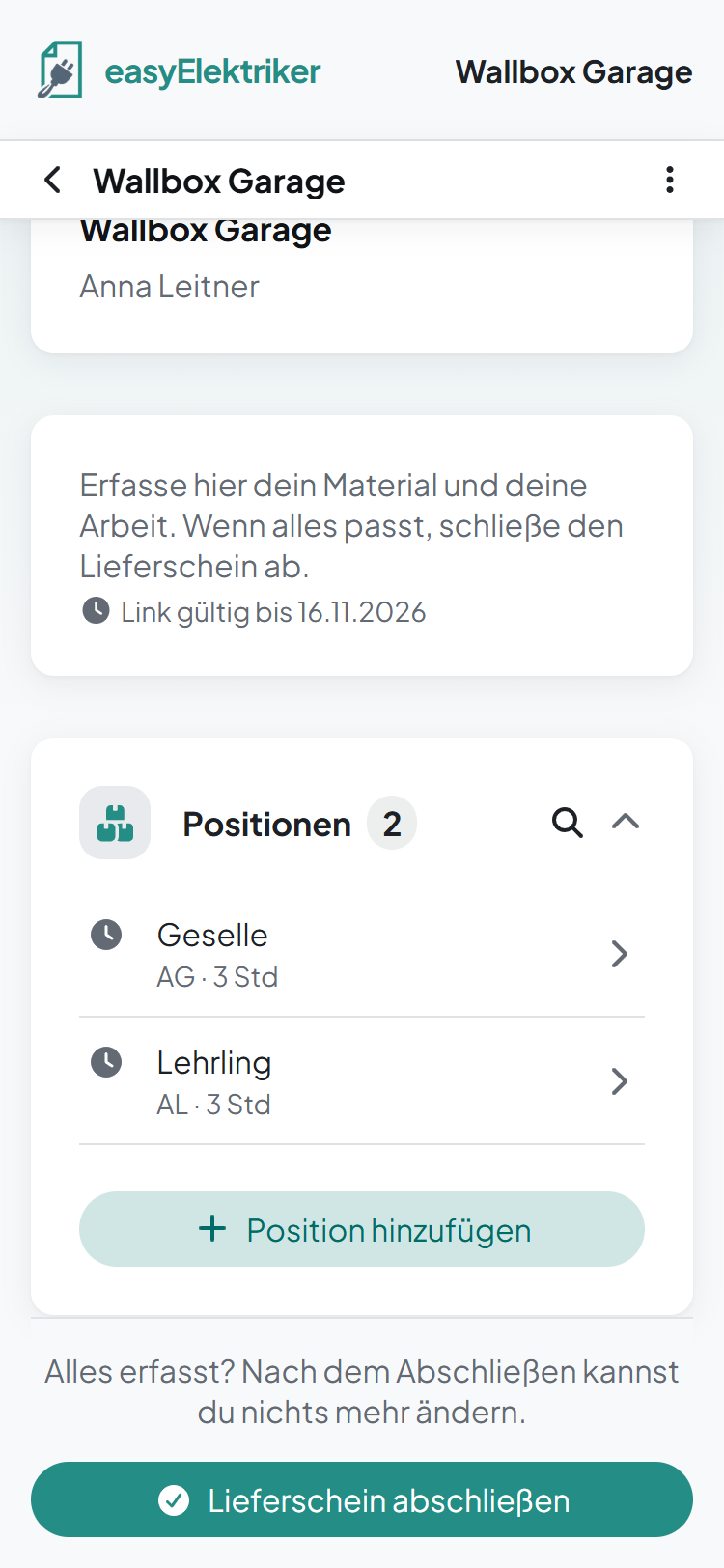
Once everything is entered, your subcontractor completes the delivery note. After that they can download it as long as the link is valid.
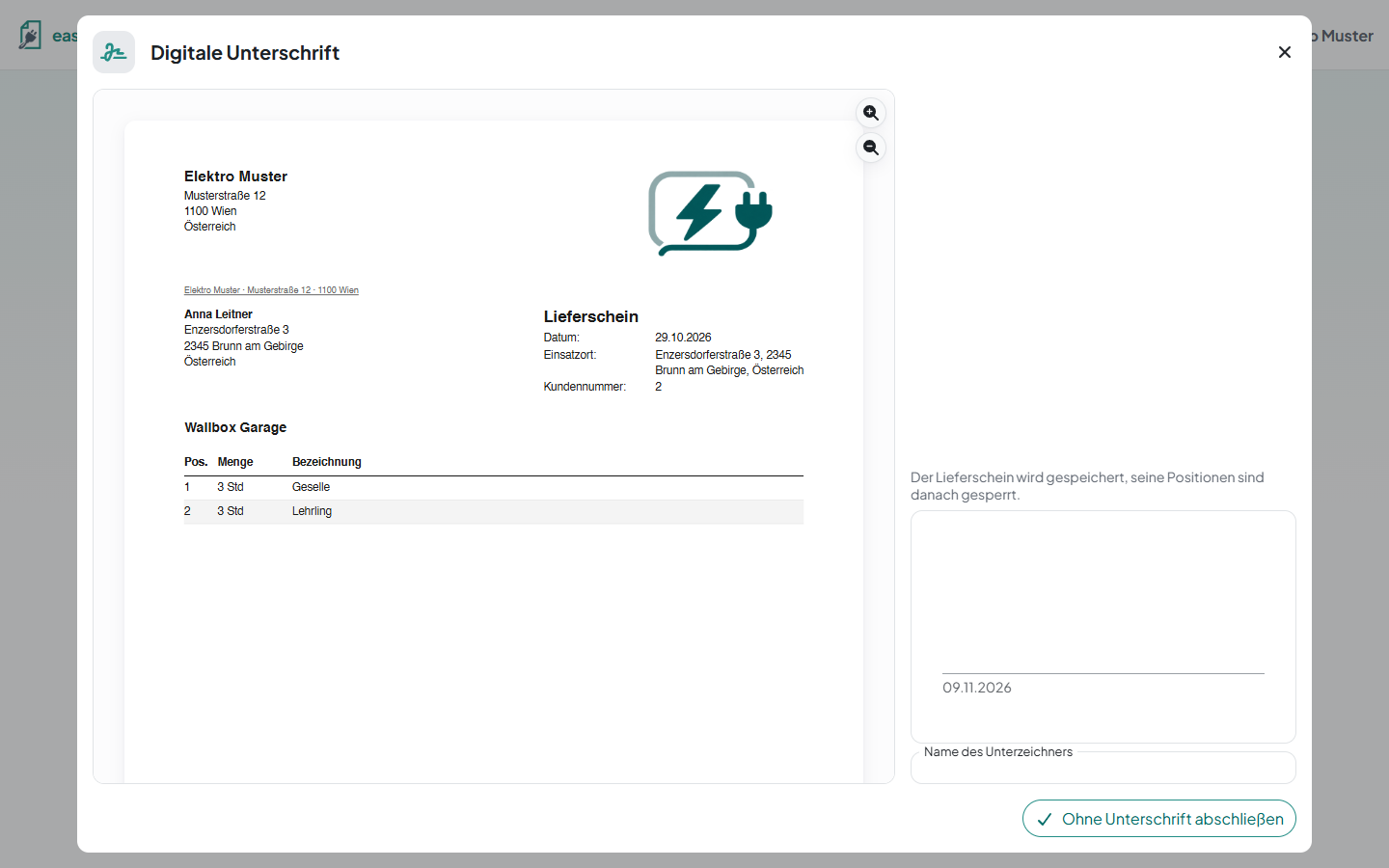
Simply as agreed: Whether your customer signs, your subcontractor or nobody is up to you two.
Whatever your subcontractor enters shows up in your delivery note right away. Once they complete it, the delivery note is completed for you too and ready for the invoice.
At the top of the delivery note you see who you shared it with and until when. The small eye brings the link back. The small trash can removes the share, and the link stops working right away. You can create a new one at any time.